
Furnishing a Home Office That Doesn’t Wreck Your Back: A Remote Worker’s Guide
- 23 Jul, 2026
- Guides
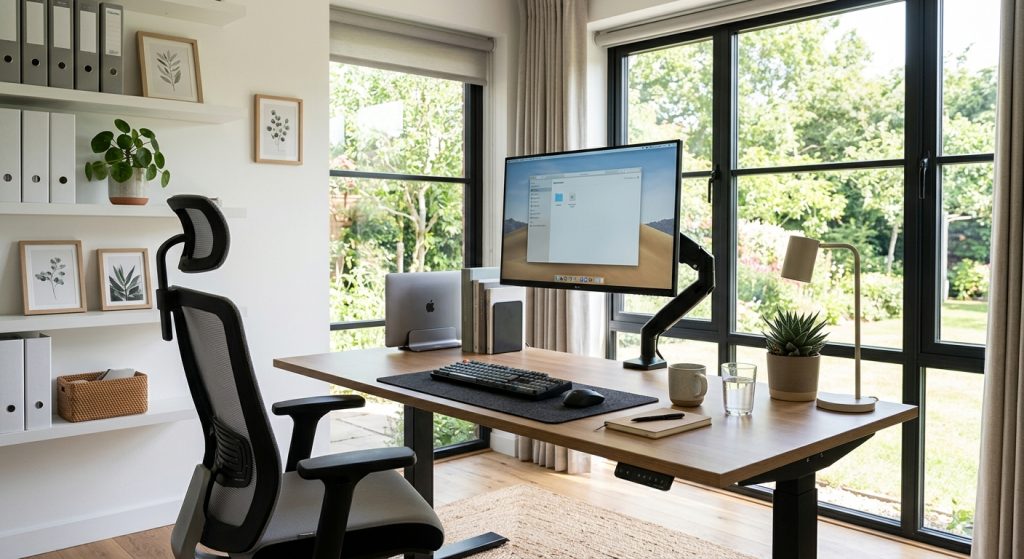
The furniture that actually protects your back at home boils down to three pieces: an adjustable ergonomic chair with real lumbar support, a desk set at the correct elbow height (or a sit-stand model), and a monitor positioned at eye level. Skip any one of these and you’re negotiating with your spine every single workday. Most remote workers get this backwards — they spend $2,000 on a standing desk and sit in a $60 dining chair, which is like buying a sports car and skipping the brakes.
The Chair Is 80% of the Problem — Stop Skipping It
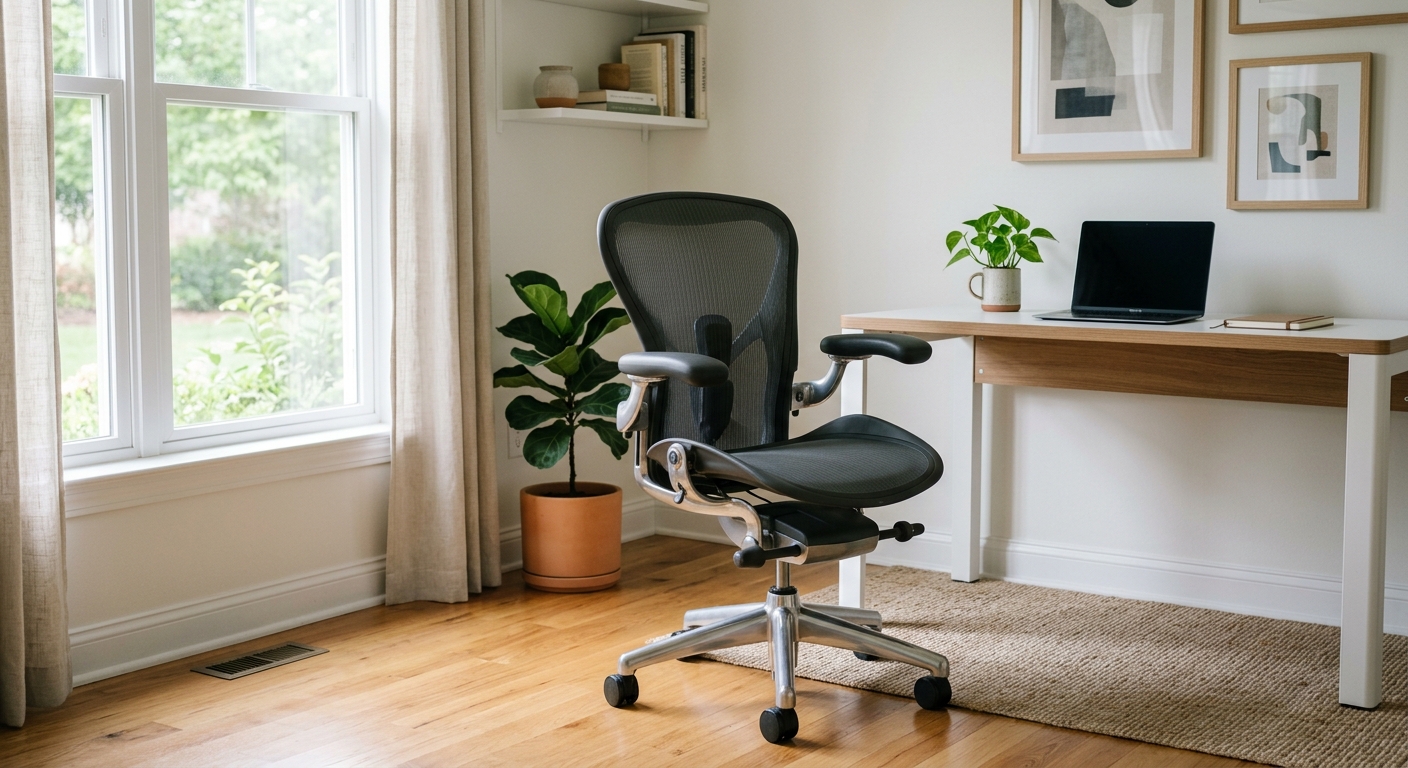
Here’s an uncomfortable truth: the chair you’re sitting on right now is probably the single biggest reason your lower back hurts by 3pm. Not the desk. Not the monitor. The chair. Dining chairs and kitchen stools have zero lumbar curve support, flat seat pans, and no recline mechanism — they’re built for eating dinner, not eight hours of screen time.
A proper ergonomic chair needs three adjustable features at minimum: seat height, lumbar depth, and armrest height. Anything less and you’re compensating with posture tricks that fail after 45 minutes. For a full breakdown of what to look for, our guide to choosing an office chair for 8+ hour workdays covers the mechanisms worth paying for versus the ones that are marketing fluff.
What Actually Matters in the Spec Sheet
Ignore weight capacity marketing numbers for a second — most manufacturers rate chairs optimistically. What you actually want is a seat pan depth between 17-20 inches (so it doesn’t dig into your knees) and a lumbar support that sits 6-9 inches above the seat, roughly where your lower back curves inward.
Desk Height Is Not One-Size-Fits-All (Do This Math)
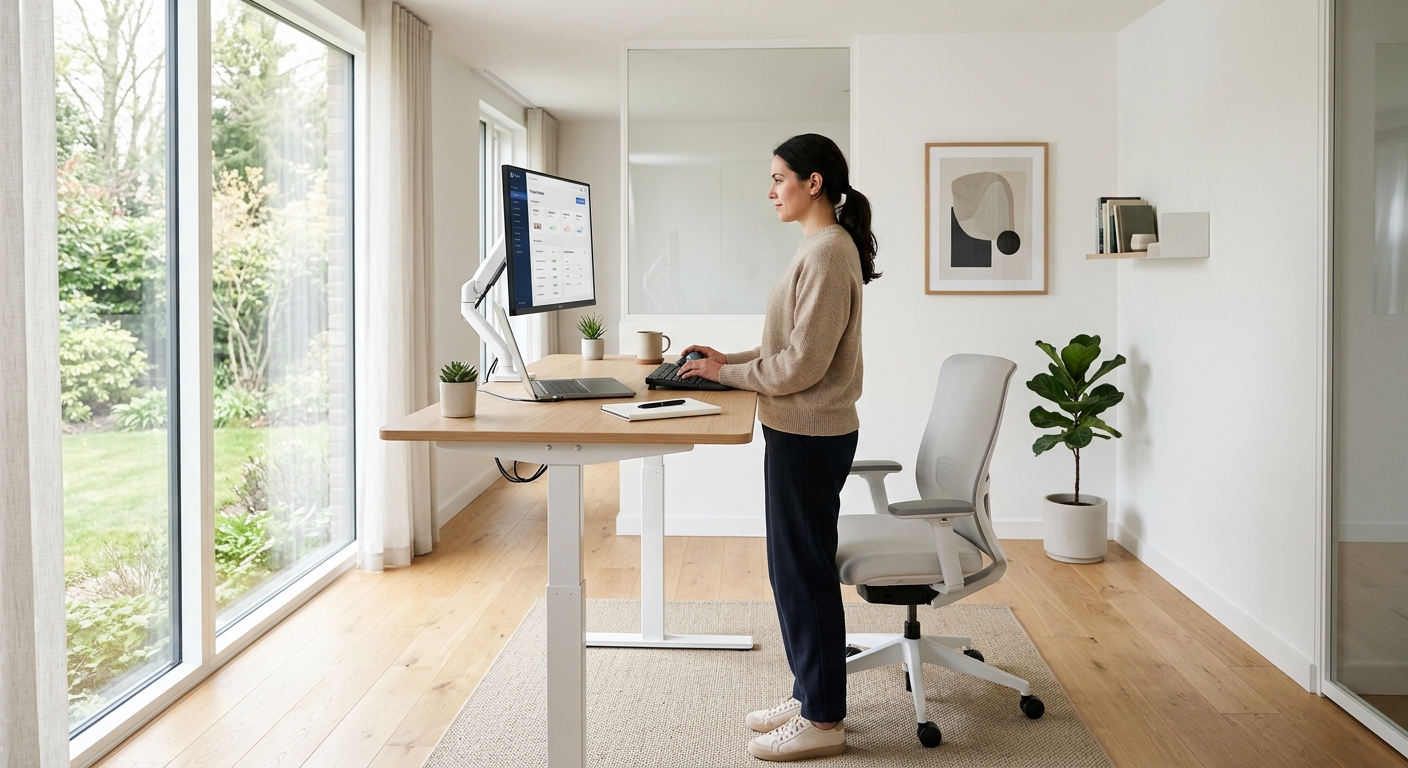
Most desks are built at a standard 29-30 inch height, which is fine if you’re 5’9″ to 5’11”. If you’re outside that range, a fixed-height desk is quietly forcing your shoulders up or your wrists down every single day. The correct test: sit with your feet flat, elbows bent at 90 degrees — your forearms should rest parallel to the desk surface without lifting your shoulders.
For anyone under 5’6″ or over 6’1″, a fixed desk almost never fits right out of the box. That’s exactly why sit-stand desks have taken over the home office conversation — they’re not just about standing, they’re about hitting your personal correct height at all.
Real Example: The 6’3″ Remote Developer
A software developer we worked with was getting wrist pain despite an “ergonomic” keyboard tray. Turned out his 29-inch fixed desk forced his elbows below 90 degrees for hours. Switching to an electric sit-stand desk set at 32 inches solved it in a week — no new keyboard needed.
Monitor Height: The Free Fix Everyone Ignores
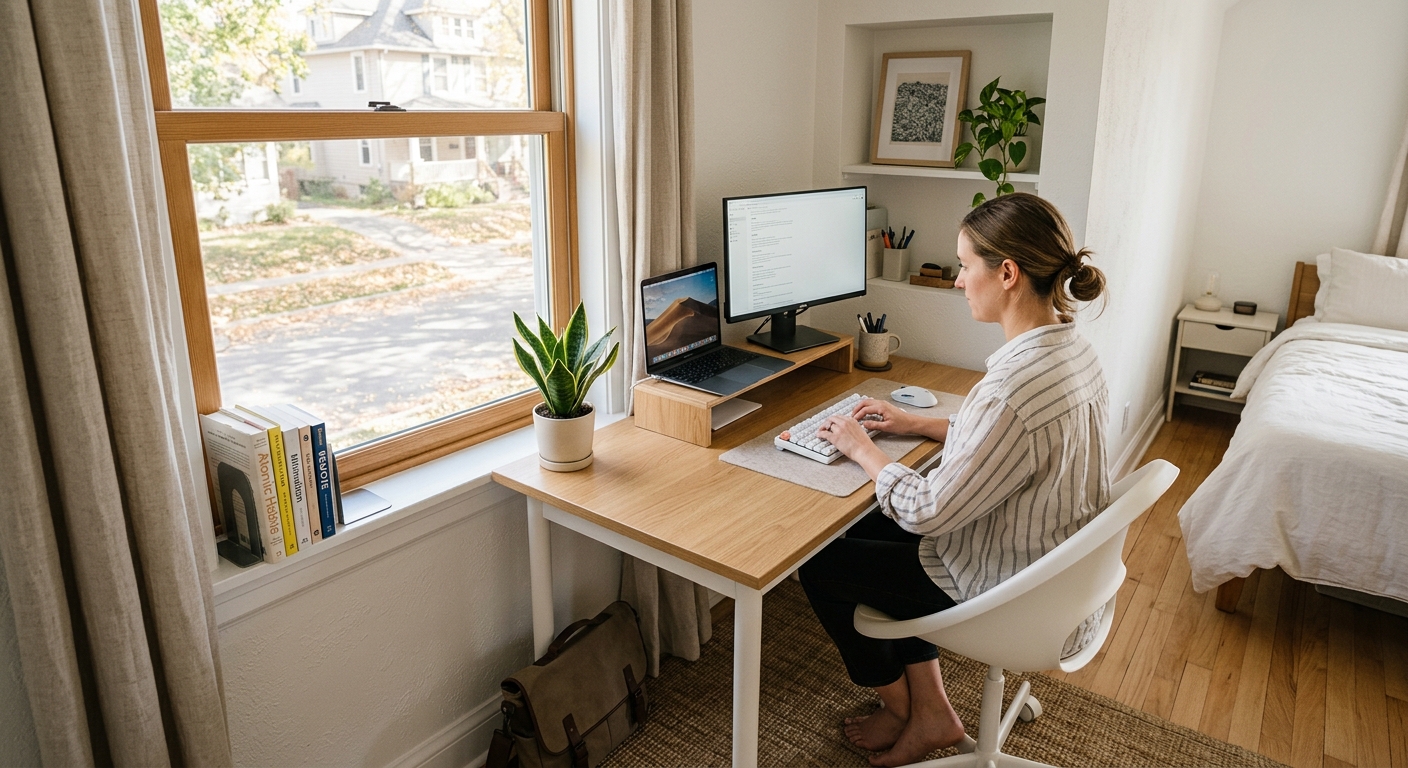
Neck pain is often a monitor problem, not a chair problem — and it costs almost nothing to fix. Your screen’s top edge should sit at or slightly below eye level, roughly an arm’s length away. Laptops on a desk fail this test automatically; you end up tilting your chin down for hours, which loads your cervical spine with extra pressure equivalent to holding a bowling ball forward.
A $30-$60 monitor arm or a stack of books solves 90% of neck complaints we hear about. If you want to go further, our piece on monitor arms and other accessories that actually earn their keep breaks down which add-ons are worth the money and which are gimmicks.

Small Spaces Need Different Rules, Not Compromises
Furnishing a 400-square-foot apartment corner is not the same problem as furnishing a spare bedroom, and treating it that way is where most people go wrong. In tight spaces, a corner desk or a wall-mounted fold-down unit beats a bulky L-shaped desk every time — you don’t need more surface area, you need the right height and depth in a footprint that doesn’t eat your living room.
If your home office doubles as a guest room or living space, modular furniture that reconfigures matters more than raw size. It’s worth looking at how modular systems handle small-space constraints in commercial settings — the same logic scales down to apartments.
Measuring Before You Buy
Don’t eyeball it. A desk that looks fine in a showroom photo can swallow a small room. Measure your actual space, account for chair pull-back clearance (minimum 36 inches behind the desk), and check door swing paths before ordering anything.
The Chair Adjustments Nobody Bothers With
Buying an ergonomic chair and never adjusting it is like buying prescription glasses and wearing them upside down. Most people set the seat height once, on day one, and never touch the lumbar depth, tilt tension, or armrest angle again — even when their setup changes.
Tilt tension especially gets ignored. If your chair rocks too freely or feels locked stiff, it’s fighting your natural movement instead of supporting it. Our guide to ergonomic chair adjustments people never touch walks through each dial and lever most buyers assume is decorative.
Cushions and Mats: Where to Spend, Where to Skip
A seat cushion won’t fix a bad chair — but the right cushion material can genuinely extend how long you sit comfortably before needing to move. Memory foam compresses and loses support after a few months of daily use; high-density hybrid foam holds shape far longer but costs more upfront.
If you’re deciding between materials for a DIY upgrade rather than a full chair replacement, our comparison of mesh, foam, and hybrid seat cushions explains what the density and firmness specs actually mean in practice — numbers most product listings never bother to translate.
Budgeting: What to Splurge On, What to Skip
If you have $600 to spend on a home office, put $400 into the chair and $200 into a used or entry-level sit-stand desk — not the reverse. A great desk on a bad chair still hurts your back. A great chair on a plain fixed desk is uncomfortable but survivable.
Skip: decorative desk accessories, premium desk mats, and branded cable management kits — none of these affect your body. Splurge on: chair lumbar adjustability, desk height range, and monitor arm quality — these three touch your spine directly, every single day you work.


