
Conference Room Tables: How to Match Size, Shape, and Power to Your Meeting Style
- 25 May, 2026
- Guides
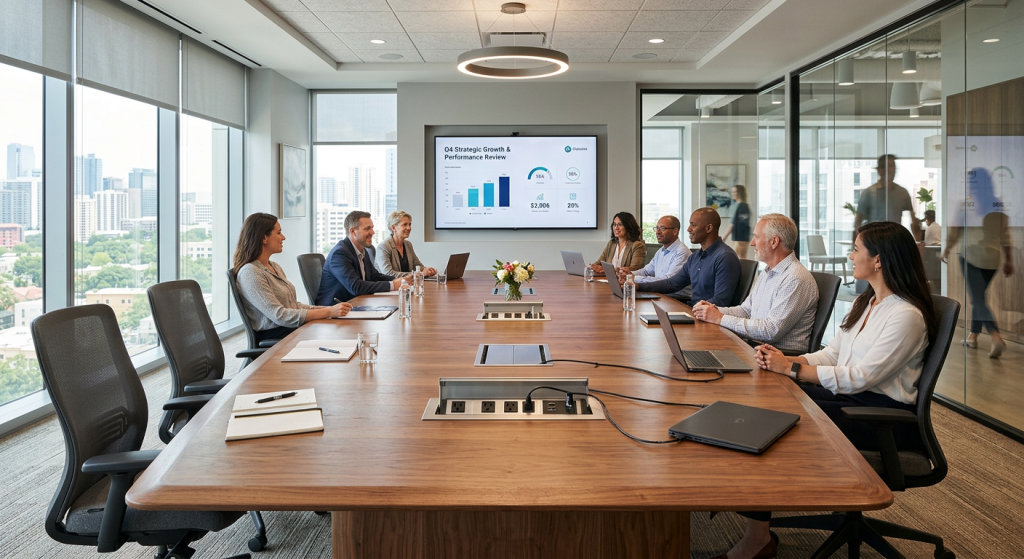
The right conference table matches three things to your meeting style: size (based on real seat count plus elbow room, not square footage alone), shape (rectangular for hierarchy, boat-shaped for discussion, round for equality, modular for flexibility), and integrated power (at minimum one grommet per two seats, plus HDMI or USB-C for hybrid calls). Get those three right and the table disappears into the workflow. Get them wrong and you'll watch people drag in extension cords, shout across bad sightlines, and avoid the room altogether.
Start With Meeting Style, Not Square Footage
Most buyers start with room dimensions. That's backward. Start by asking what actually happens in the room — because a 20-foot rectangular table in a space used mostly for four-person strategy sessions is a daily productivity tax.
Map your meetings into three categories before you shop:
- Broadcast meetings — one person presents, others listen. Rectangular or classroom layouts work.
- Discussion meetings — everyone contributes. Boat-shaped, round, or racetrack shapes win because sightlines matter more than hierarchy.
- Working sessions — laptops open, documents spread, whiteboard in use. You need modular tables that reconfigure, plus serious power density.
For instance, a Series B SaaS company we spoke with replaced a single 14-seat rectangular boardroom with two six-person boat-shaped rooms and one 10-seat modular training space. Utilization jumped from 41% to 78% in a quarter — same footprint, smarter geometry.
Sizing: The Real Math Behind Seat Count
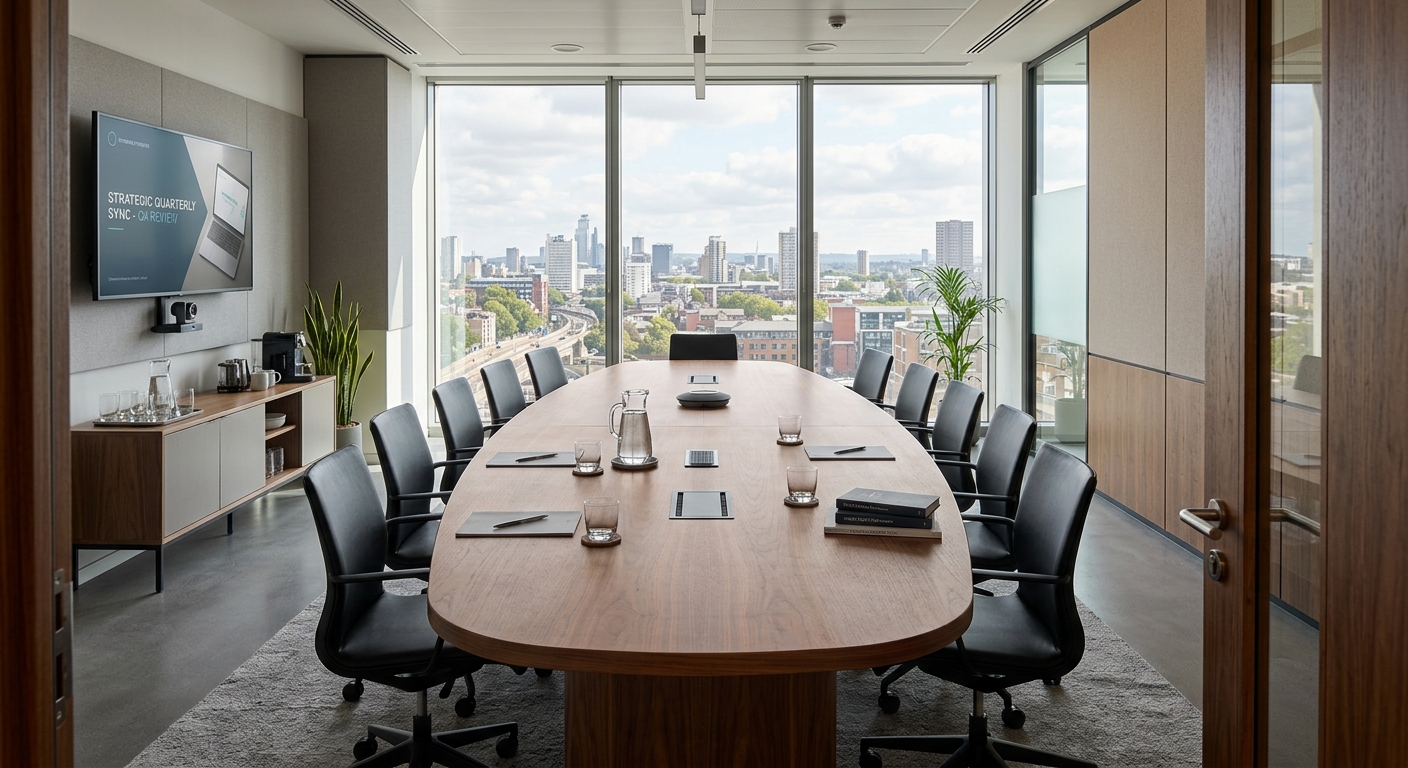
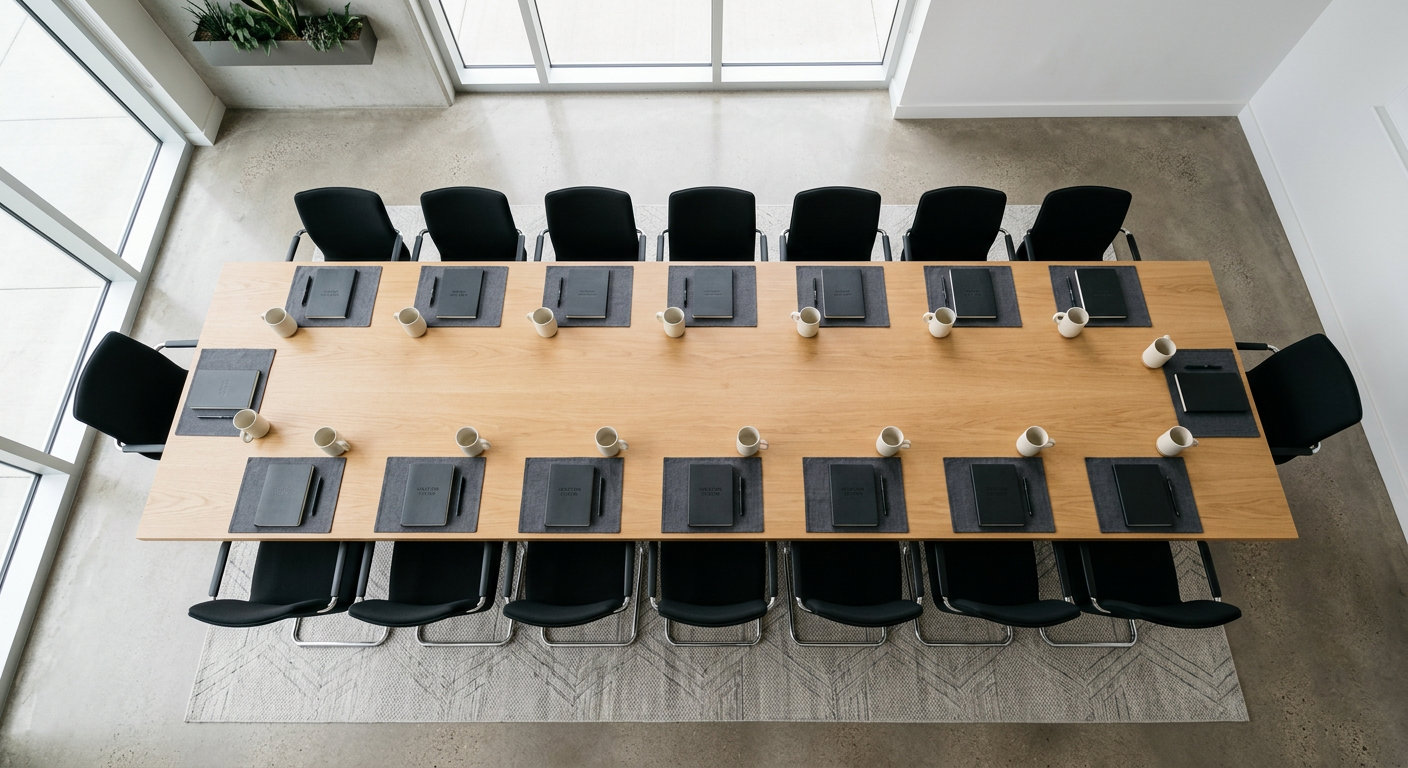
Forget the marketing copy that says a 10-foot table seats 10. It doesn't — not comfortably. The working rule is 30 inches of linear edge per person for standard meetings, and 36 inches if laptops and documents will be in play.
Length guidelines that actually work
- 6 seats: 8 feet (96 in)
- 8 seats: 10 feet (120 in)
- 10 seats: 12 feet (144 in)
- 12 seats: 14 feet (168 in)
- 16 seats: 18 feet (216 in)
Width matters more than people think
A table narrower than 42 inches feels cramped when two people face each other with laptops. Forty-eight inches is the sweet spot for most boardrooms. Go to 54–60 inches only if the table will regularly host printed materials, product samples, or shared monitors embedded in the surface.
Don't forget clearance
Leave at least 36 inches between the table edge and the nearest wall or credenza for chair pull-out. Forty-eight inches if anyone needs to walk behind seated guests. This is where most rooms fail — the table fits, but nobody can move.
Shape Changes Who Talks (and Who Doesn't)
Table shape is a behavioral tool. It subtly dictates power dynamics and conversation flow — and most companies never think about it.
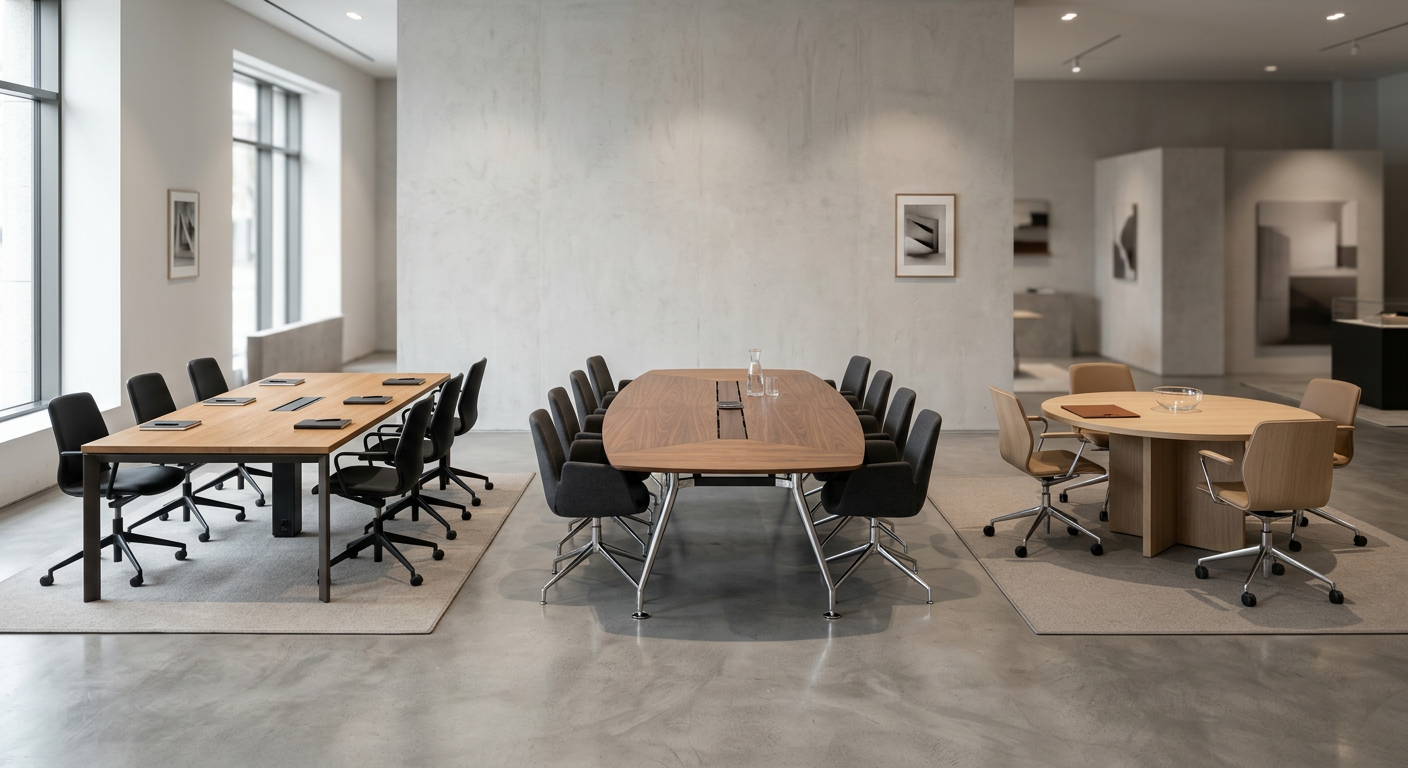
Rectangular
Classic and hierarchical. The head and foot positions command attention, which is exactly what you want for formal board meetings or client presentations. The downside: people on the same side can't see each other without craning their necks, and camera framing for hybrid calls is terrible.
Boat-shaped
Wider in the middle, tapered at the ends. This is the best all-around shape for 10–20 person rooms because the curve gives every seat a clear line of sight to every other seat. Executive teams running quarterly reviews tend to love these.
Round and racetrack
Round tables (up to about 60 inches) enforce equality — no head, no foot. Excellent for brainstorming or sensitive 1:1s that include a note-taker. Racetrack (rounded rectangle) scales the same principle up to 16 seats without losing sightlines.
Modular
Trapezoids, half-rounds, and rectangles that lock together. Training rooms and agile pods thrive on these. You can go from U-shape to classroom to pods-of-four in about five minutes.
For a deeper shape-by-shape breakdown with layout diagrams, see our guide on conference table shapes that work best for different meeting rooms.
Power and Data: The Spec Sheet Nobody Reads
This is where good tables separate from great ones. A table without proper power is just furniture people resent.
The minimum spec for a modern meeting room
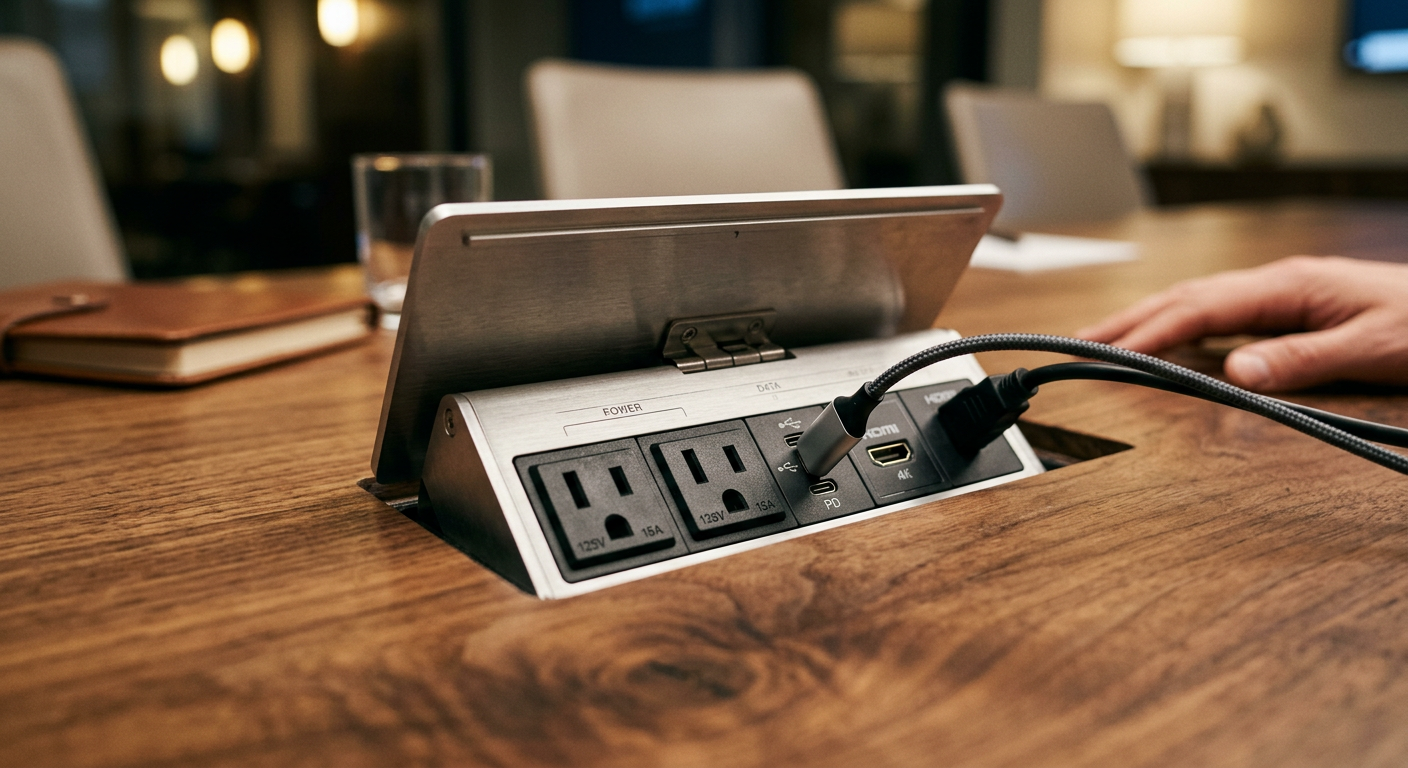
- 1 power outlet per 2 seats — anything less and you'll see daisy-chained power strips by month two.
- USB-C PD (Power Delivery) at 60W minimum — this charges laptops, not just phones. Older USB-A ports are now effectively legacy.
- One HDMI pass-through per room, ideally with a retractable cable housed in the table.
- Cable management channel underneath — a steel or ABS tray that runs the length of the table and routes cables to a single floor grommet.
Flip-up vs. pop-up vs. trough modules
Flip-up modules sit flush with the surface and rotate open — cleanest look, best for executive rooms. Pop-up modules rise vertically with a press; they hold more ports but interrupt the tabletop more visually. Trough-style recessed channels hide everything under a sliding cover and suit training rooms where power needs change constantly.
Don't overlook wireless charging pads
Embedded Qi pads are a small upgrade ($60–$120 per pad) but eliminate the phone-charger scramble. Specify them at every other seat in executive rooms.
Hybrid Meetings Change the Geometry
Here's the shift nobody saw coming in 2020 and still nobody fully designs for in 2026: the camera is now a participant. If your table shape pushes the far end of the room 18 feet from the display, remote attendees see tiny faces and miss half the conversation.
Rules for camera-friendly tables
- Keep the farthest seat within 12–14 feet of the display and camera.
- Curved or boat-shaped tables angle faces toward the camera naturally — rectangular tables don't.
- Matte finishes only. Glossy tabletops reflect ceiling lights into the camera and blow out exposure.
- Specify a light-colored top (oak, light walnut, warm white) to bounce fill light upward onto faces.
A professional services firm we worked with swapped a glossy black 16-foot rectangle for a matte oak 14-foot boat shape in the same room. Video call quality complaints dropped to near zero — no new cameras, no new lights, just better geometry and finish.

Materials and Edge Profiles That Survive Real Use
Conference tables take abuse — coffee rings, laptop corners, pen marks, cleaning chemicals. The finish decides whether your table looks sharp at year five or tired at year two.
Tops ranked by durability
- High-pressure laminate (HPL) — most durable, most affordable, widest design range. Best for training rooms and high-traffic areas.
- Thermally fused laminate (TFL) — lighter duty than HPL; fine for internal rooms.
- Veneer over MDF — premium look, needs care. Reserve for executive boardrooms.
- Solid wood — beautiful, ages well, but expect movement in dry climates. Specify quarter-sawn cuts.
- Tempered glass — stunning in photos, a fingerprint magnet in reality. Skip unless aesthetics trump function.
Edge profiles matter for comfort
A sharp 90-degree edge cuts into wrists during long meetings. Specify a 3mm radius minimum; a waterfall or knife edge feels more premium but costs more. For training rooms with lots of elbow contact, go with a full bullnose profile.
If you're also thinking about indoor air quality and finish certifications, our piece on non-toxic office furniture covers what to look for in low-emission materials.
Bases, Height, and the Details That Get Forgotten
Two things buyers overlook until they're in the room: base design and table height.
Base styles by use case
- Panel/trestle bases — stable, hide cable runs, but block legroom at the ends. Best for rooms where end seats are rarely used.
- Column bases (2 or 3 pedestals) — flexible seating along the length; confirm column placement doesn't collide with knees.
- Cantilevered or single-pillar — dramatic look, suitable up to about 10 feet. Beyond that, deflection becomes visible.
Standard vs. counter vs. standing height
Standard is 29–30 inches. Counter-height tables (36 inches) work well for short stand-up huddles — think 15-minute daily scrums. A few progressive teams are speccing height-adjustable conference tables, but realistically these only pay off in rooms used heavily for both long deep-work sessions and quick stand-ups.
Chair compatibility
Check apron height — the vertical distance from floor to underside of the tabletop frame. You need at least 26 inches of clearance for standard conference chairs with armrests. Otherwise, arms bang into the apron every time someone pulls in.
Budget Benchmarks and Where to Spend Smart
Conference tables span a huge price range, and it's easy to overspend in the wrong places. Here's how the budget typically breaks down for a quality commercial-grade table in 2026:
- 8-seat rectangular, HPL top, panel base, basic power: $1,800–$3,500
- 12-seat boat-shaped, veneer top, column base, 2 flip-up modules: $5,500–$9,000
- 16-seat racetrack, solid wood, integrated AV, wireless charging: $12,000–$22,000
- Modular training tables (per 6-person unit): $1,200–$2,400
Where to spend
Power modules, edge quality, and base engineering. These are the daily-contact items that users notice.
Where to save
Exotic veneers, proprietary finishes, and oversized dimensions you don't actually need. A well-specified 12-foot boat-shaped table beats a poorly specified 16-foot rectangle every time.
If you're planning a broader refresh, it's worth thinking about how tables interact with the rest of your furniture ecosystem — see our thoughts on office furniture and workplace collaboration and executive office design for the bigger picture.
A Quick Pre-Purchase Checklist
Before signing off on a conference table order, run through this list. Skip any step and you'll regret it by month three.
- Measured room with 36-inch minimum chair clearance on all sides
- Confirmed seat count using 30-inch (meeting) or 36-inch (working) linear allowance
- Shape matched to dominant meeting style — not aesthetics alone
- Power modules specified: 1 outlet per 2 seats, USB-C PD 60W+, HDMI pass-through
- Cable routing path identified from table to floor grommet or wall
- Camera-to-farthest-seat distance under 14 feet for hybrid rooms
- Matte finish in a light-to-medium tone for video call lighting
- Edge radius of 3mm or greater; bullnose for heavy-use rooms
- Apron clearance verified against chair armrest height
- Finish certifications reviewed (GREENGUARD, BIFMA, low-VOC)
Pick the right table and the room gets used. Pick wrong and it becomes the one nobody books. If you'd like help speccing a conference table to your specific room, meeting mix, and AV setup, the Vision Furniture team can walk you through shape, size, and power options — or you can browse our current conference table collection and full office furniture solutions to see what fits.


