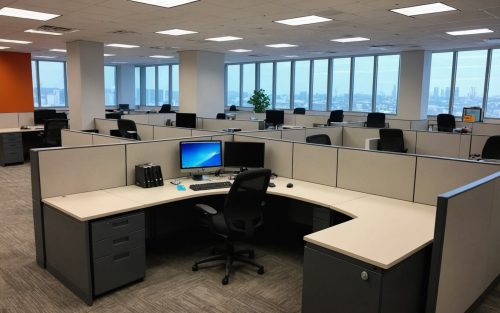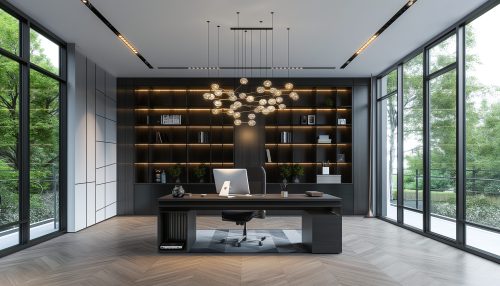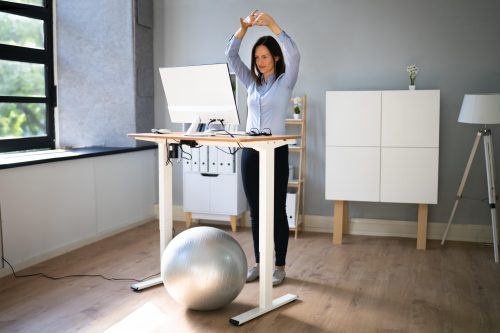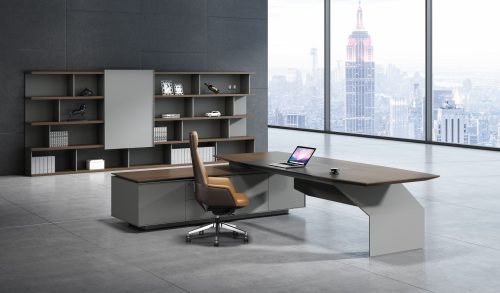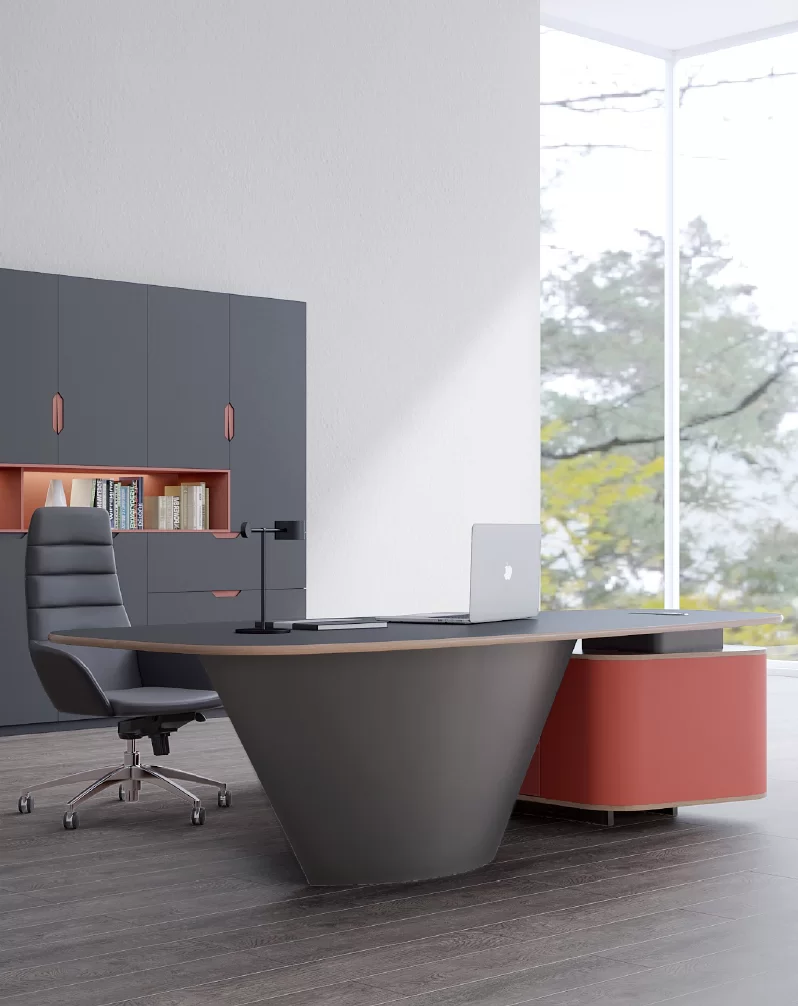
Conference room chairs fail for predictable reasons. The chair looks good in a catalog, but the room gets used differently in real life. Meetings run longer than planned. People shift between note-taking and screen viewing. The room needs to reconfigure fast for training or clients.
This guide gives you a practical selection framework that starts with how the room is used and ends with chair specs you can purchase and standardize across projects.
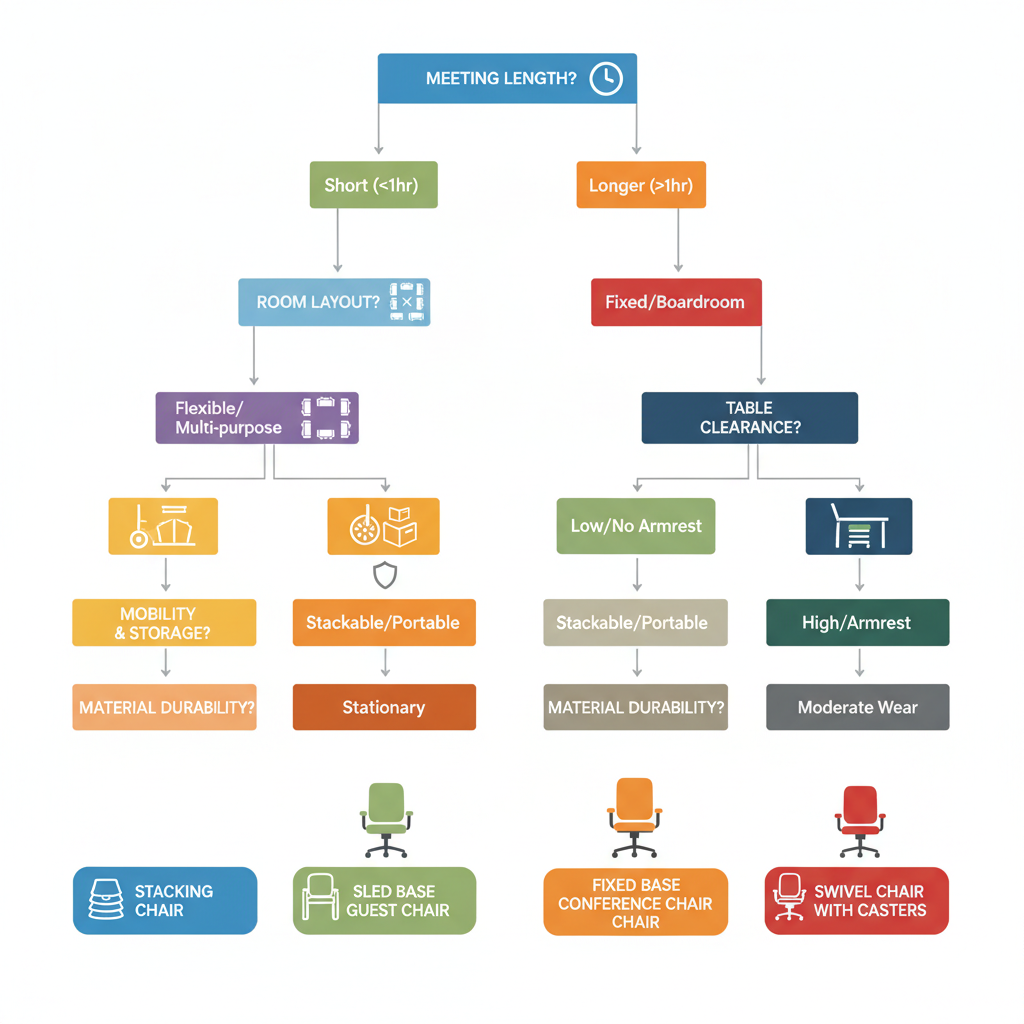
Use meeting duration as your first filter. It prevents overbuying features you will never use and underbuying comfort where it matters most.
| Typical meeting time | What matters most | Chair direction |
|---|---|---|
| 15–30 minutes | Fast sit down and stand up, easy movement | Lightweight guest or stacking chair |
| 30–90 minutes | Back support without bulk, stable sitting posture | Conference chair with supportive backrest |
| 2+ hours | Fatigue control, adjustability, consistent posture support | Ergonomic conference chair with key adjustments |
A room used by different teams all day needs a chair that tolerates more movement, more dragging, and more cleaning. In that case, durability testing standards become part of the decision, not an afterthought. ANSI/BIFMA standards like X5.1 are commonly used to evaluate general-purpose office chairs.
For quick meetings, oversized cushions and heavy frames slow the room down. Choose chairs that feel stable, are easy to move, and do not create noise when repositioned.
A conference chair for 30–90 minutes should support upright posture for listening and writing, without forcing a rigid position. Look for a backrest that supports the mid-back and stays comfortable across different body sizes.
If your boardroom routinely runs past two hours, adjustability becomes the difference between “fine at first” and “fatigue by the end.” At minimum, prioritize seat height, supportive backrest geometry, and stable arm support when arms are used.
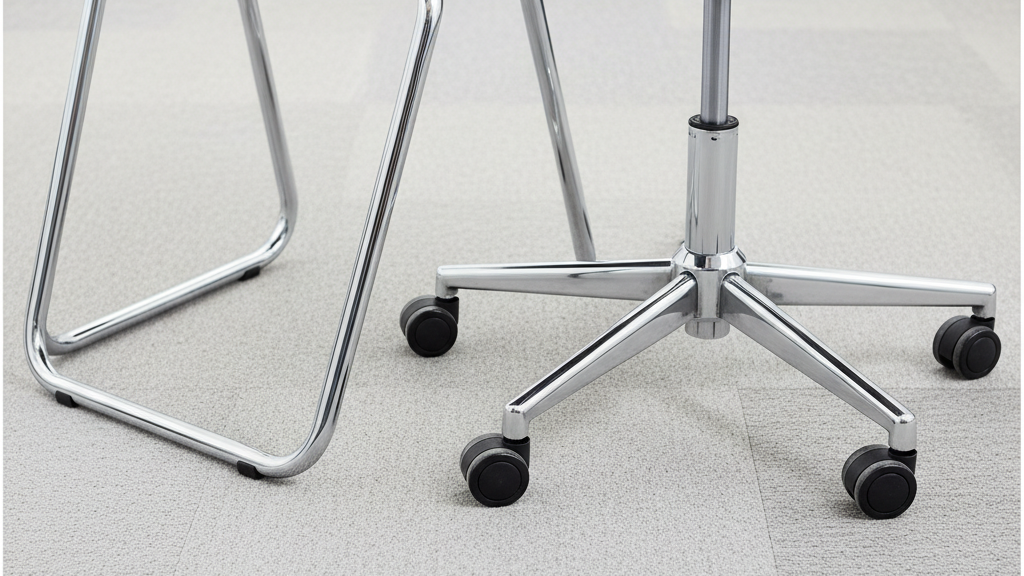
These bases keep chair lines neat around a table and reduce rolling drift. They are often easier to standardize visually across multiple rooms.
Casters help when the room needs fast reset, but they also introduce two problems: noise and unintended movement. If you choose casters, match them to your flooring type and consider a chair weight that feels controlled rather than flimsy.
If your “conference room” is also a training room, stacking or nesting becomes the practical choice because storage and reset time matter. Your site already positions stacking chairs as a space-saving solution for conference and training use.
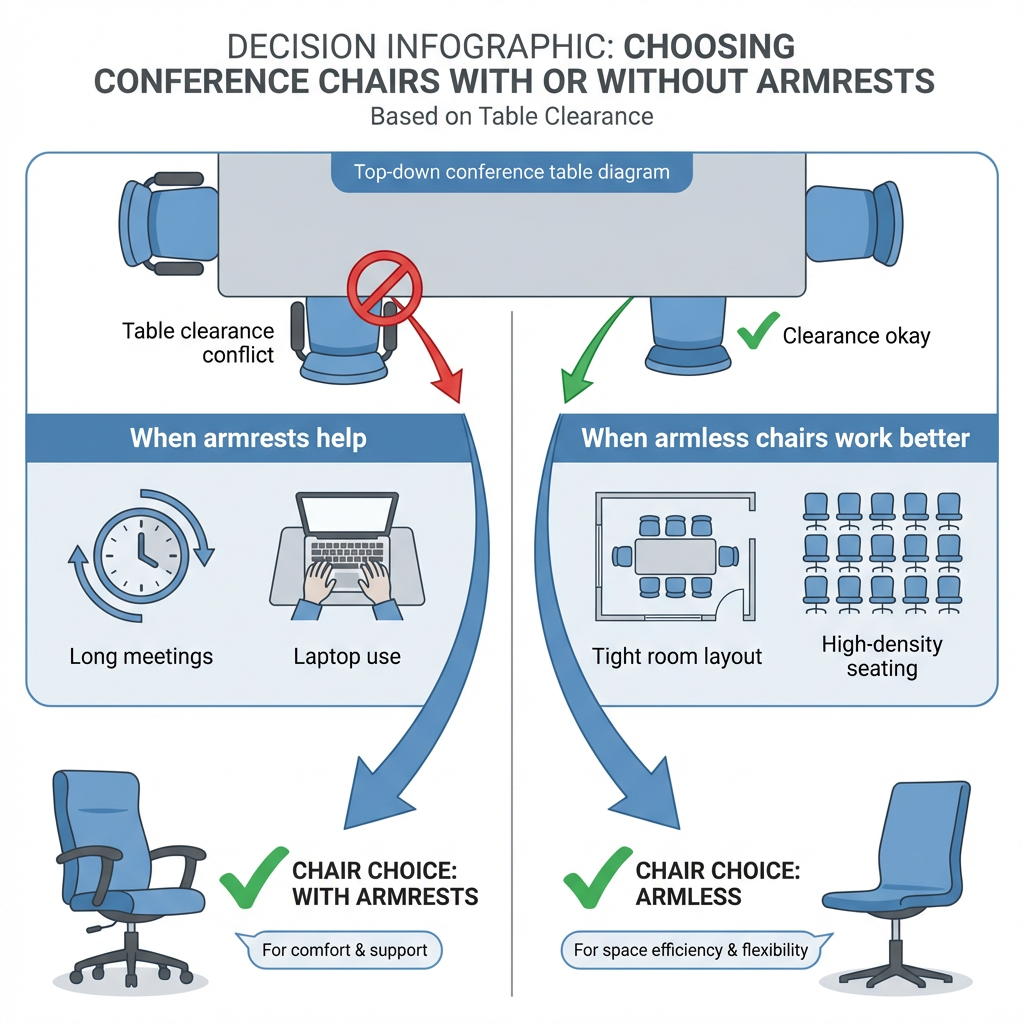
Armrests can improve comfort, but only when they fit the table and allow people to sit close enough to work.
If accessibility is a requirement for your project, table knee clearance and approach space must be considered in the plan. ADA guidance includes knee clearance dimensions such as 27 inches high, 30 inches wide, and 19 inches deep for accessible seating positions at tables.
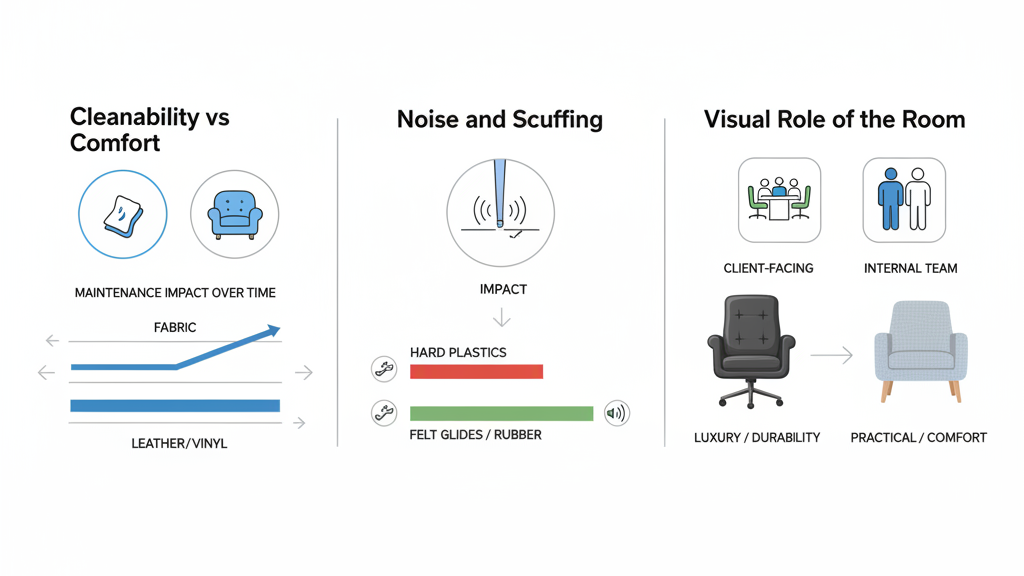
Conference rooms see coffee, fingerprints, and frequent wipe-downs. Materials that look premium but show marks easily often create more maintenance than expected.
Glides, casters, and frame contact points affect perceived quality in a meeting. If chairs scrape loudly, the room feels cheaper regardless of how good the chair looks.
Client-facing rooms usually need a more refined finish. Internal huddle rooms can prioritize function and speed of reset.
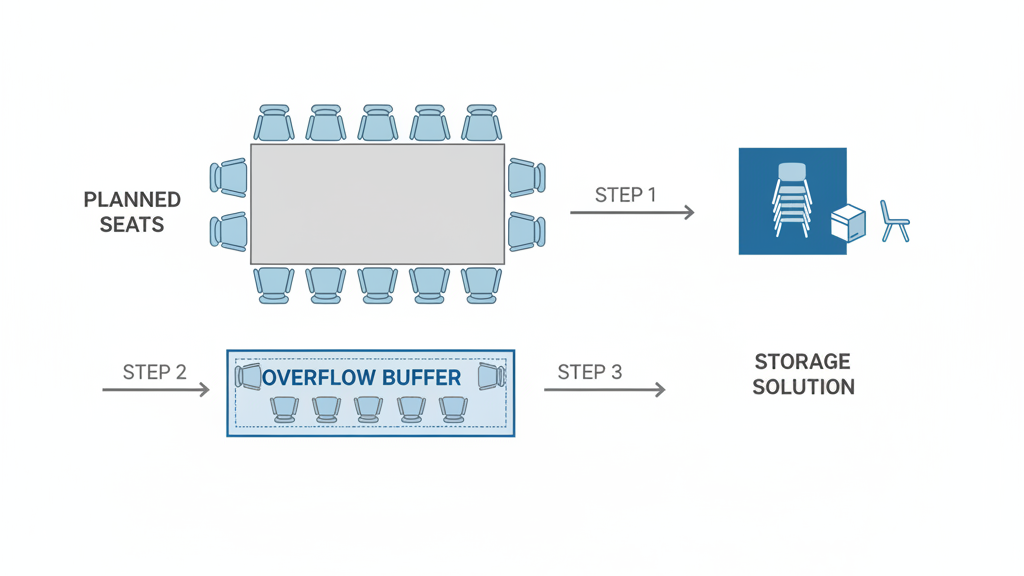
A conference room plan fails when capacity is treated as “table seats only.”
For multipurpose rooms, overflow often means stacking chairs that can be stored vertically and brought out quickly.
Do conference room chairs need to be ergonomic
If meetings frequently exceed 90 minutes, ergonomic features that fit multiple users become far more important. For short meetings, stability and layout efficiency usually matter more.
Should conference room chairs have wheels
Only if the room reconfigures often and your flooring and noise requirements can support it. Otherwise, non-rolling bases keep alignment cleaner and reduce drift.
Are stacking chairs suitable for conference rooms
Yes, especially for training rooms and multipurpose spaces where storage and fast reset are part of the real requirement.
The fastest way to choose the right conference room chairs is to stop thinking in chair styles and start with how the room is used. Meeting length sets the support level. Layout sets the base type. Table clearance decides arms. Materials and durability standards protect your investment over time.
If you are sourcing for a project or distributor program, standardizing two to three conference chair profiles across your room types is usually the cleanest path to consistent results.